
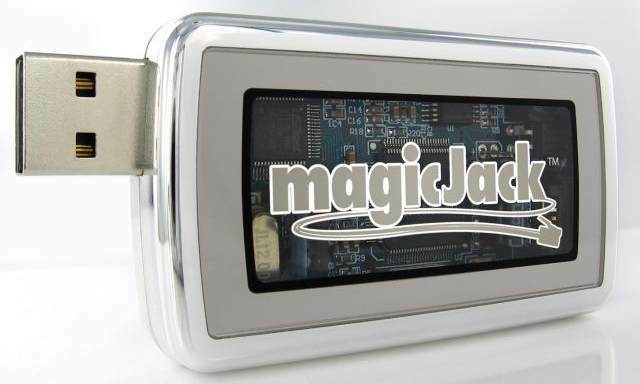
Photo of magicJack® (enlarged) provided to general press. All photos copyright magicJack LP.
Magic Jack USB Phone Photos at CutMyBills.Org
Original Magic Jack has transparent window to show circuit board.
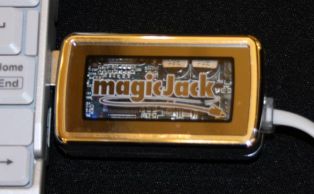
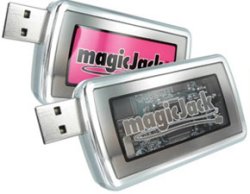
3 different Magic Jack color options now available: Original Silver, Lavender or Gold
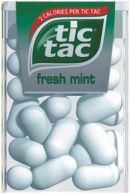
The Magic Jack is compact - about same size overall as a box of Tic Tac breath mints.
Magic Jack Photos from Sign Up Process
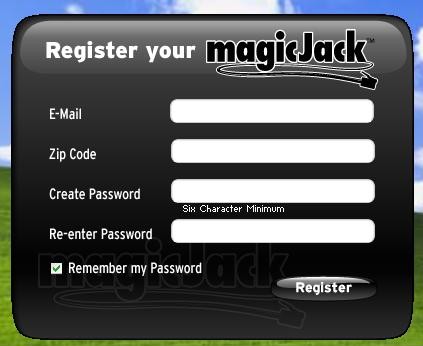
Magic Jack Info Photos - Registration Screen (1 of 5)
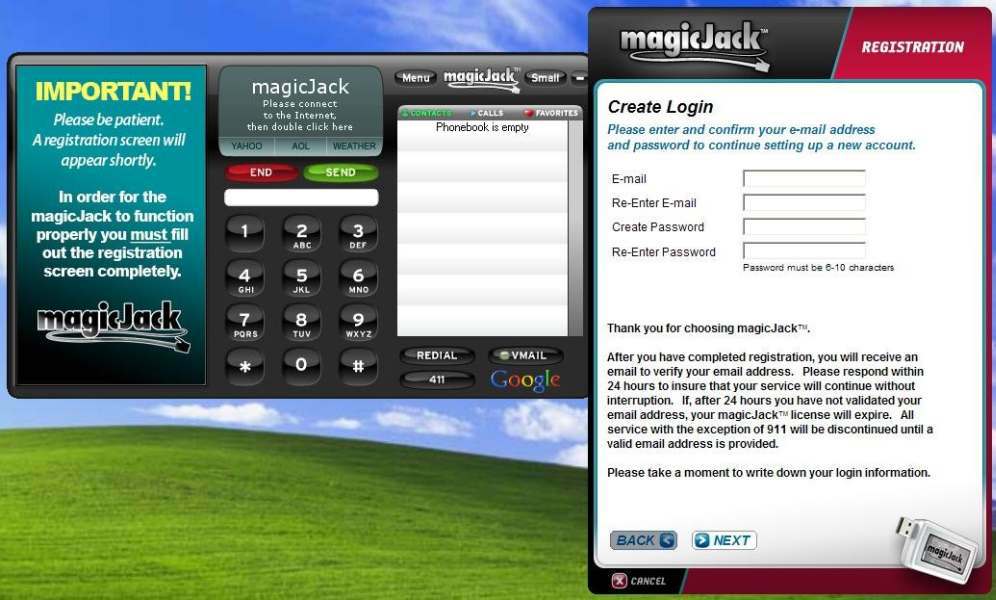
Magic Jack Info Photos - Enter Email Address (2 of 5) - If possible, use an email address you can access for a long time!
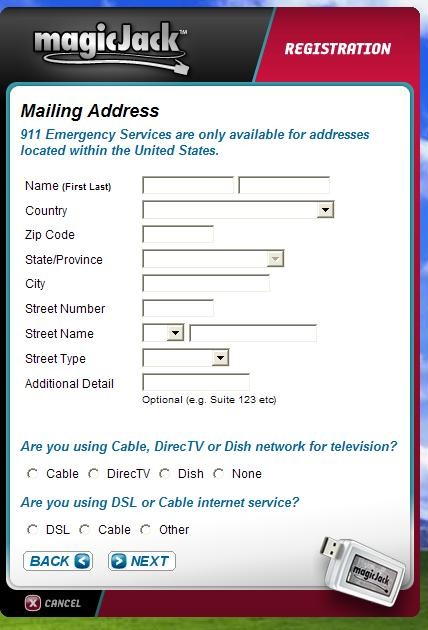
Magic Jack Photos - Address + Connection type (3 of 5)
Magic Jack Area Codes are NOT yet available
for following 3 United States (as of 7/14/2010):
Alaska - AK (Area Code 907)
Hawaii - HI (Area Code 808)
New Hampshire - NH (Area Code 603)
See updated Magic Jack Area Codes list available Now!
Don't miss important Magic Jack tips below!
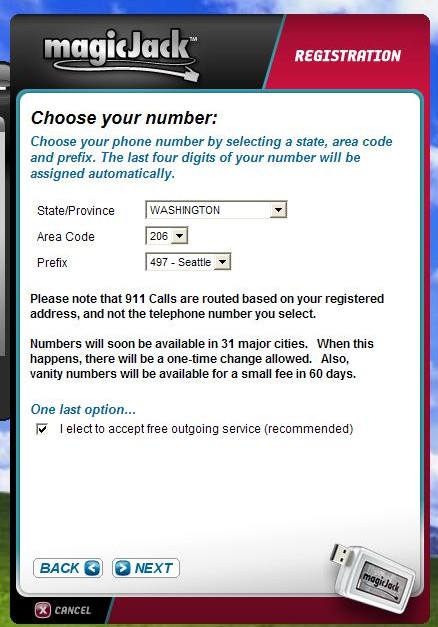
Magic Jack Photos - Choose Phone Exchange (4 of 5)
TAKE YOUR TIME! You will have LOTS of Options!
Pick Area Code, then available local exchange (prefix).
If your local Area Code is NOT available yet, you may
want to pick one that is a local # for a distant relative,
so you could both call each other for free at any time.
Check which local exchanges are local to this person!
(Many people wish they had taken their time on this.)
IF your Area Code becomes available, you can switch
to it ONCE - FREE! To switch again will cost $10.00.
You DO NOT have to "worry" about Last 4 Numbers,
as those will be selected for you automatically. Got it?
NOTE... One setting for your account lets you choose
to either talk by Phone OR using a headset. Be SURE
it is set to Phone or you will NOT be able to Hear the
Other person talking to You! Many people just forget
about this, then complain Magic Jack does not work.
If you use it via headset, remember to change it back!
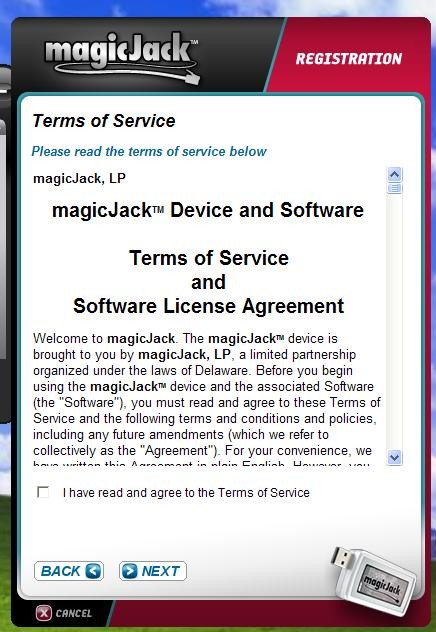
Magic Jack Photos - Agree to Terms of Service (5 of 5)
Read copy of the document here (current as of 2/28/08).

Does your USB port supply enough power for a Magic Jack?
(Be sure to avoid Magic Jack USB electrical power problem.)
Annoyed by popup screen when your Magic Jack gets a call?
(Here are 2 FREE ways to Block Magic Jack screen popups!)

Please Vote for this site at Top Sites of America Web Sites List NOW!




Magic Jack info provided here is compiled by a FAN of the magicJack® USB Phone Jack.
It is NOT to be confused with the Official site for magicJack® or YMAX Communications.


 |
|
 |
|
 |
|
 |
|
 |
|

 Magic Jack Info | Magic Jack Pics | Magic Jack Video | Links | Cut My Bills | Sitemap
Magic Jack USB Phone Info Copyright © 2007-17 by CutMyBills.Org. All Rights Reserved.
This web site brought to you by Carolina Web Marketing. Hosting by Carolina Web Hosting.
NO content may be reproduced, altered or redistributed without our express written consent.